
Seller guide · Media
Photography & Video
Present the home clearly and attractively with professional media suited to the property and campaign.
Updated November 2026
Key points
The first showing is online
Buyers usually see a home’s photos long before they see the home in person.
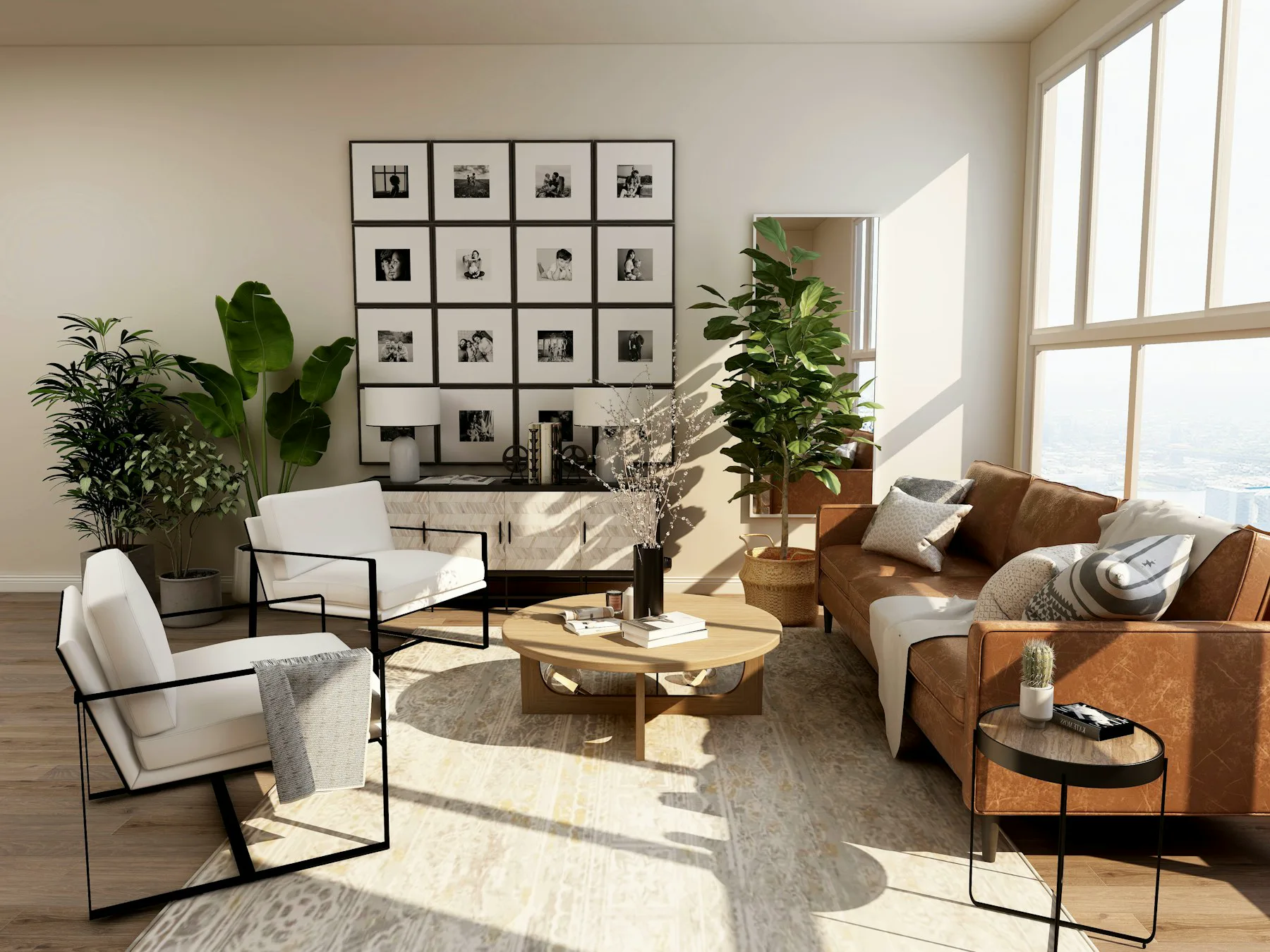
Prepared rooms photograph better
Finish repairs, cleaning and staging before the media appointment.
Accurate, not misleading
Media should show the home as buyers will find it when they visit.
Step by step
From preparation to finished media.
Step 1: Finish preparation first
Complete repairs, decluttering, cleaning and staging before photo day.
Step 2: Choose the right media
Decide whether video, aerial images, a virtual tour or a floor plan suit this home.
Step 3: Schedule for the best light
Pick a time when the home’s main rooms and exterior look their best.
Step 4: Agree on a shot list
List the rooms, features and community amenities that must be captured.
Step 5: Set up on the day
Lights on, blinds open, cars moved, and people and pets out of the frame.
Step 6: Review before launch
Check every image for accuracy and personal information before the listing goes live.
Media to consider
- Professional photography of the interior, exterior, lot and nearby community amenities.
- Video walkthrough to show flow between rooms.
- 3D or virtual tour so buyers can explore the layout remotely.
- Floor plan to answer layout questions before a showing.
- Aerial images, where they add context and are permitted—commercial drone flights require an operator certified for that work.
- Twilight exterior, when lighting and landscaping make it worthwhile.
Preparing for photo day
- Turn on every light and replace mismatched or burned-out bulbs
- Open blinds and curtains; clean windows and mirrors
- Clear counters, refrigerator doors and bathroom surfaces
- Make beds, fold towels and close toilet lids
- Hide cords, trash cans, pet bowls and personal items
- Mow, edge and sweep; arrange outdoor furniture
- Move cars out of the driveway and off the street in front
Keep listing media accurate
Buyers rely on listing media to decide which homes to visit. Avoid edits that remove permanent features, change views or hide condition issues.
Virtually staged or digitally altered photos should be clearly labeled, and MLS rules may require it. Consider including an unstaged photo of the same room.
Verify before you rely
Photography & Video checklist
Questions worth asking
- Which features must the photos show?
- Would video, aerial images or a virtual tour add value for this home?
- What time of day shows the home and exterior best?
Personalized Greater Houston guidance
Turn this guide into a plan for your property or move.
Share your location, timeframe, priorities and current questions. Binu will help organize the next steps and identify the facts that should be verified.
Continue exploring
Related seller resources
Marketing Plan
Photography, video, distribution and agent outreach.
Read guidePreparing Your Home to Sell
Repairs, presentation, documents and launch readiness.
Read guideOpen-House Marketing
Promotion, visitor registration and follow-up that turn traffic into feedback.
Read guideProfessional CMA
Request a market analysis based on recent sales and current competition.
Request a CMA
This guide is general information about selling a home in Greater Houston and is subject to change. Market conditions, pricing, timelines, costs and contract requirements vary by property and transaction. Nothing here is legal, tax or financial advice; consult qualified professionals for your situation.